Power BI (Level 1).
Create your first report, without IT's help
By paying, you accept the general terms.
Refund possible within 15 days, under the terms and conditions.
Power BI (Level 1)
450 $
About this course
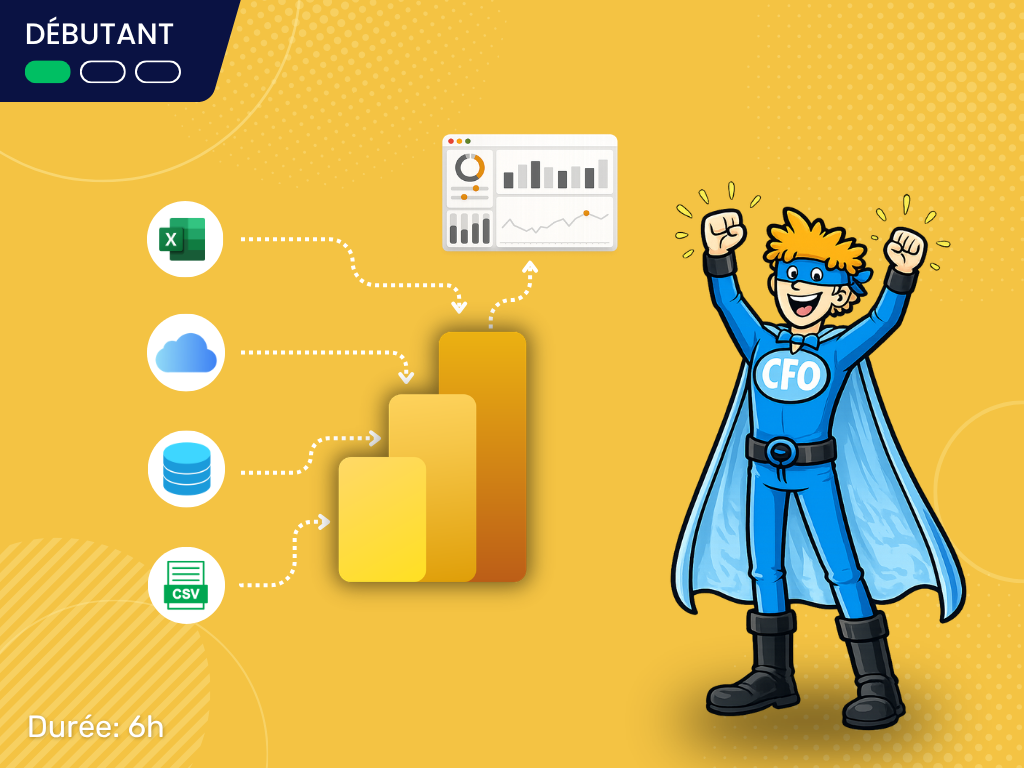
This training, at a beginner level, is intended for professionals who need to handle and analyze large amounts of data and are looking for a powerful self-service BI (Business Intelligence) tool. More specifically, it is aimed at professionals who need to, without the intervention of an IT support team:
Import data from various sources
Clean the imported data
Cross-reference the data
Explore the cross-referenced data using visualizations
Create and share dashboards that are easy to update
Access dashboards online or via a mobile app
An AI assistant supports you in this course
In every lesson you can ask it your questions: it answers from the content of “Power BI (Level 1)” and from what you have already completed.
✨ MAK-IA AI assistant
Excel — the VLOOKUP function
Good question: it's the most common error with VLOOKUP.
In the lesson you just finished, we saw that the fourth argument decides everything. If you leave it out, Excel looks for an approximate match and needs a sorted first column. Write FALSE for an exact match: =VLOOKUP(A2,Products!A:C,3,FALSE).
To go further: the next module shows you XLOOKUP, which avoids this trap.
Sample exchange. The assistant is included in courses where the instructor has enabled it.
Included documents
- Training document
- Data sources
- Data model
- Final report
Downloadable as soon as you have access to the course.
Course curriculum
2 modules · 27 lessons
Query Editor
⏱ 1h57-
1Training course tips and tricksVideo last updated: June 25, 20212:19
-
2Presentation of Power BIVideo last updated: June 25, 20215:16
-
3Power BI BenefitsVideo last updated: January 10th, 202612:49
-
4Power BI Desktop InstallationVideo last updated: June 25, 20218:11
-
5Data SourcesVideo last updated: June 25, 20216:15
-
6Exploring the InterfaceVideo last updated: June 25, 202112:04
-
7Data TypesVideo last updated: June 25, 202117:53
-
8Basic CleaningVideo last updated: June 25, 202110:41
-
9Query ManagementVideo last updated: June 25, 20216:47
-
10Merge Queries as NewVideo last updated: June 25, 20218:20
-
11Additionnal ColumnsVideo last updated: June 25, 20217:39
-
12Conditional ColumnsVideo last updated: June 25, 202111:28
-
13URL Touch UpsVideo last updated: June 25, 20217:48
Power BI's Main Interface
⏱ 2h17-
1Introduction to the Main Interface6:32
-
2Text Boxes and SlicersVideo last updated: January 5th, 202617:18
-
3Data CardsVideo last updated: January 5th, 202614:27
-
4Geographic MapsVideo last updated: January 5th, 20269:16
-
5Images, Shapes and ColorsVideo last updated: January 5th, 202611:11
-
6Edit InteractionsVideo last updated: January 5th, 20264:55
-
7Custom VisualsVideo last updated: January 5th, 20264:48
-
8Pie ChartsVideo last updated: January 5th, 20269:34
-
9Trend LineVideo last updated: January 5th, 20268:35
-
10Drill Down OptionsVideo last updated: January 5th, 202612:05
-
11Text CardsVideo last updated: January 5th, 202611:43
-
12Drill ThroughVideo last updated: January 5th, 20265:54
-
13Latitudes and LongitudesVideo last updated: January 5th, 20264:13
-
14Power BI ServiceVideo last updated: January 5th, 202616:58
Learner reviews
No reviews for this course yet.